10. Date Selector
Tool that allows setting specific date values.
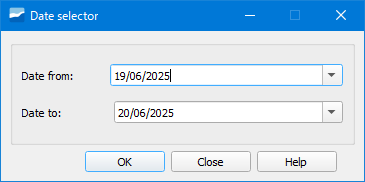
Fig. 10.1 Window of the Date Selector tool.
Once the start and end dates are established, the change will be applied to the selector_date table in the database for our user.
With this tool, users can create queries or views on temporal data and relate them to the selector_date table. Once these queries are loaded as layers in QGIS, they can be filtered dynamically thanks to this button, which can offer a great added value to the visualization of certain data on the map.