30. New planning sector
Tool that allows creating a new planning sector (psector).
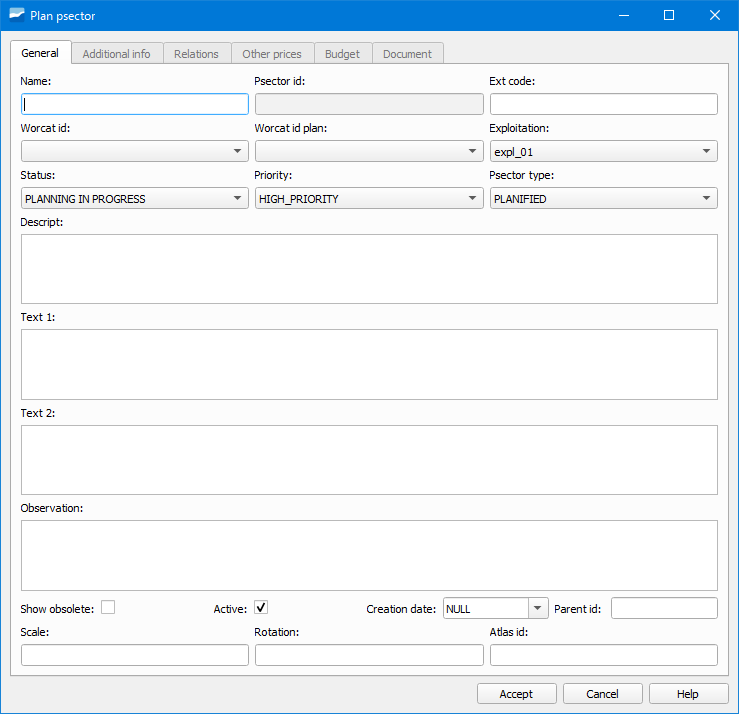
Fig. 30.1 Window of the New planning sector tool.
To create a new psector we will have to click on the New psector button and a window like the one shown in the previous image will open. In it we will have to specify, at least, the name.
After having created it it will be set as the current psector. From that moment on, any object that we digitize in our network will be in the planned state.
Parallelly, we can check that all the buttons corresponding to the editing of the network objects have changed to orange color.

Fig. 30.2 Edit toolbar in planning mode.
In addition, a new toolbar appears below the ToC where we can activate/deactivate the psector as well as select the psector on which we are working.

Fig. 30.3 Psector toolbar.
To digitize objects in operative state, we will have to click on the pause button of the previous toolbar.